
WiFi QR Code That Connects Guests in Seconds
No more spelling out a long password. A WiFi QR code connects phones to your network the moment they scan it.
Create Your QR Code
Download your QR
Click 'Generate QR Code' to create your custom QR
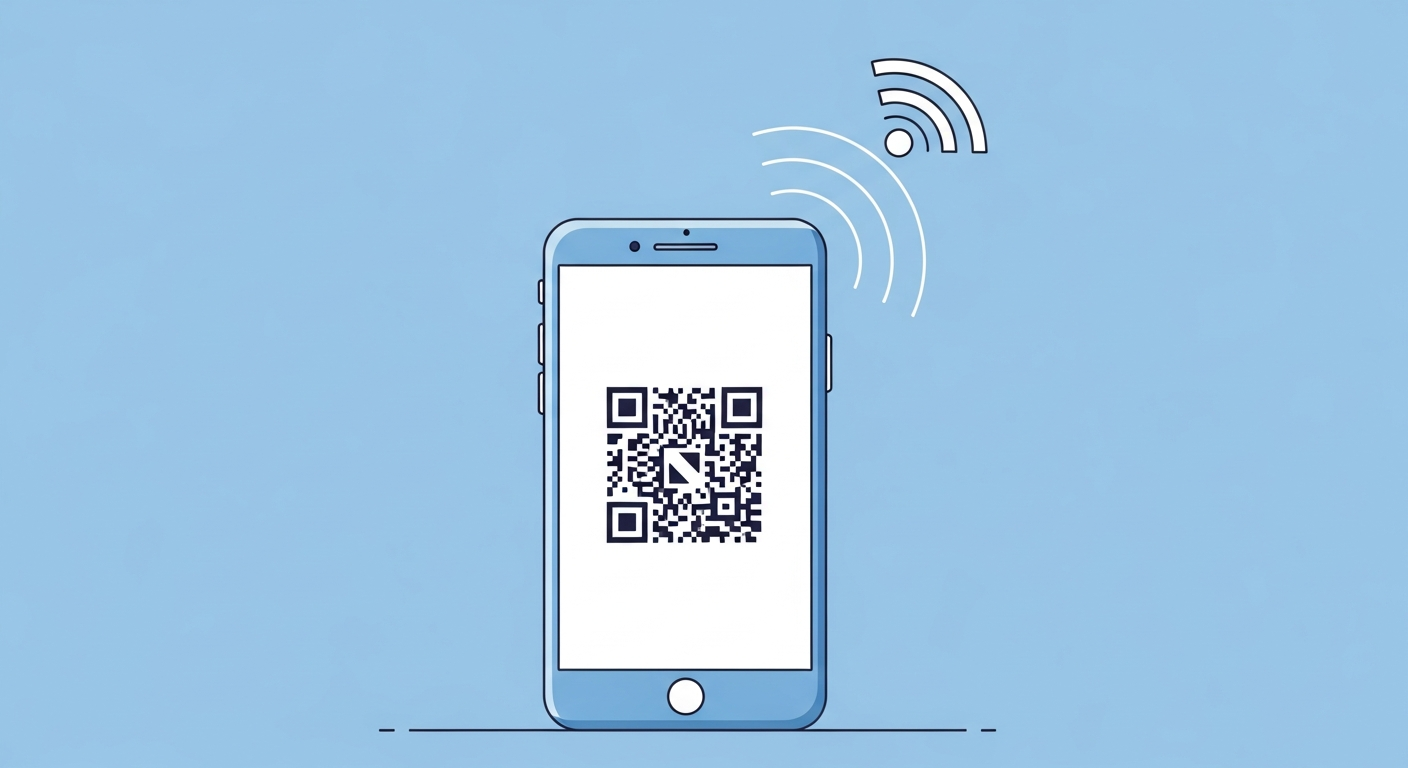
Sharing a WiFi password by reading out a string of random characters is slow and error-prone. A WiFi QR code stores the network name, security type and password, so a single scan connects a phone automatically. It is ideal anywhere people ask for the WiFi, from a cafe table to a holiday rental, and it keeps the actual password off a sticky note.
For WiFi QR code, start with a stable link or fixed details people will understand at a glance. The QR code you create here does not expire and does not add tracking from us.
Why it works
Connect without typing
A scan fills in the network name and password automatically, so nobody mistypes a long, complex key.
Looks tidy and professional
A small framed code on the wall or table beats a scrawled password on a scrap of paper.
Fewer questions for staff
Guests help themselves to the WiFi instead of interrupting your team to ask for the code.
Easy to refresh
When you change the password, generate a new code once and reprint it instead of telling everyone individually.
How to create yours
- 1
Enter your network details
Type your WiFi name, choose the security type (usually WPA) and add the password.
- 2
Generate the code
Create your WiFi QR code instantly, free and with no signup required.
- 3
Print and frame it
Place it where guests sit, on the fridge, the reception desk or a table card.
- 4
Test before sharing
Scan it with a phone that is not yet connected to confirm it joins straight away.
Ideas & examples
Cafe and restaurant tables
A table card lets diners get online while they wait, without flagging down a server.
Holiday rentals and hotels
A framed code in the room gets guests connected the minute they arrive.
Home for visitors
Keep a small code by the door so friends and family connect without asking.
Common questions
My Wi-Fi password has symbols. Any problems?
Special characters have escaping quirks. Generate the code, then join from a fresh phone before distributing anything.
Does the code expose my password visually?
Not visually, yes technically. Anyone who scans joins your network, which is exactly why guest networks exist.
Ready to create yours?
Create a free WiFi QR code now.
Create your QR code