
QR Codes for Restaurants That Turn Tables Faster
One small code on the table replaces printed menus and gives guests an up-to-date list they can read on their own phone.
Create Your QR Code
Download your QR
Click 'Generate QR Code' to create your custom QR
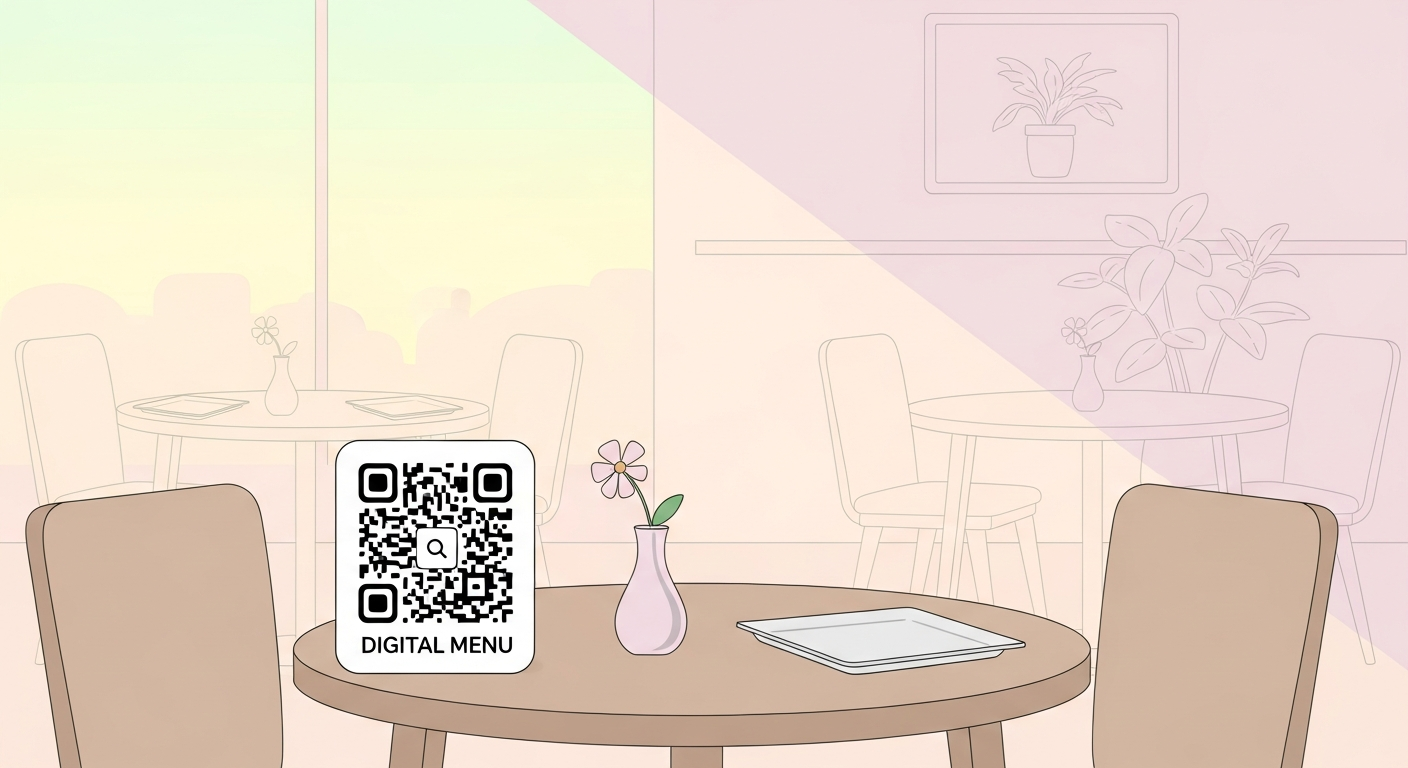
Restaurants change prices, run specials and swap dishes far more often than printed menus can keep up with. A QR code on the table or counter sends guests straight to a digital menu you can update any time, while keeping the experience hygienic and low-touch. Because diners scan in good light from close range, even a small, clean code works perfectly.
For restaurants, start with a stable link or fixed details people will understand at a glance. The QR code you create here does not expire and does not add tracking from us.
Why it works
Always-current menu
Change a price or remove a sold-out dish online and every table sees the update instantly, with no reprinting.
Cleaner, faster service
Guests browse on their own phones, so staff hand out fewer menus and tables turn over more quickly.
Show food the way it looks
Link to a menu with photos, allergen notes and descriptions that a folded paper card simply cannot fit.
Collect more reviews
Point a code at your review page near the till so happy diners can leave feedback before they leave.
How to create yours
- 1
Choose your link
Pick the online menu, ordering page or review link you want guests to open.
- 2
Generate the code
Paste the link into the generator and create your QR code instantly, free and with no signup.
- 3
Print table-sized
A 2-3 cm code on a table tent or sticker is plenty since guests scan from close up.
- 4
Place and test
Put one on every table and at the counter, then scan each one yourself before service.
Ideas & examples
Table menu
A small stand on each table links to the full menu so guests order without waiting.
Takeaway counter
A code by the till opens your online ordering page for collection or delivery.
Review card
A receipt or door sticker points to your reviews so regulars can spread the word.
Common questions
Table codes or counter codes for a restaurant?
Both, if you can. Tables serve seated diners; a counter code catches takeaway customers who never sit down.
How do we stop printed menus going stale?
Point every code at one hosted menu page. Kitchen changes go live the moment you edit, with zero reprinting.
Ready to create yours?
Create a free QR code for your restaurant now.
Create your QR code