
QR Codes for Retail That Bridge Shelf and Screen
A code on a price tag or display turns a curious shopper into someone reading reviews, sizes and stock without finding an assistant.
Create Your QR Code
Download your QR
Click 'Generate QR Code' to create your custom QR
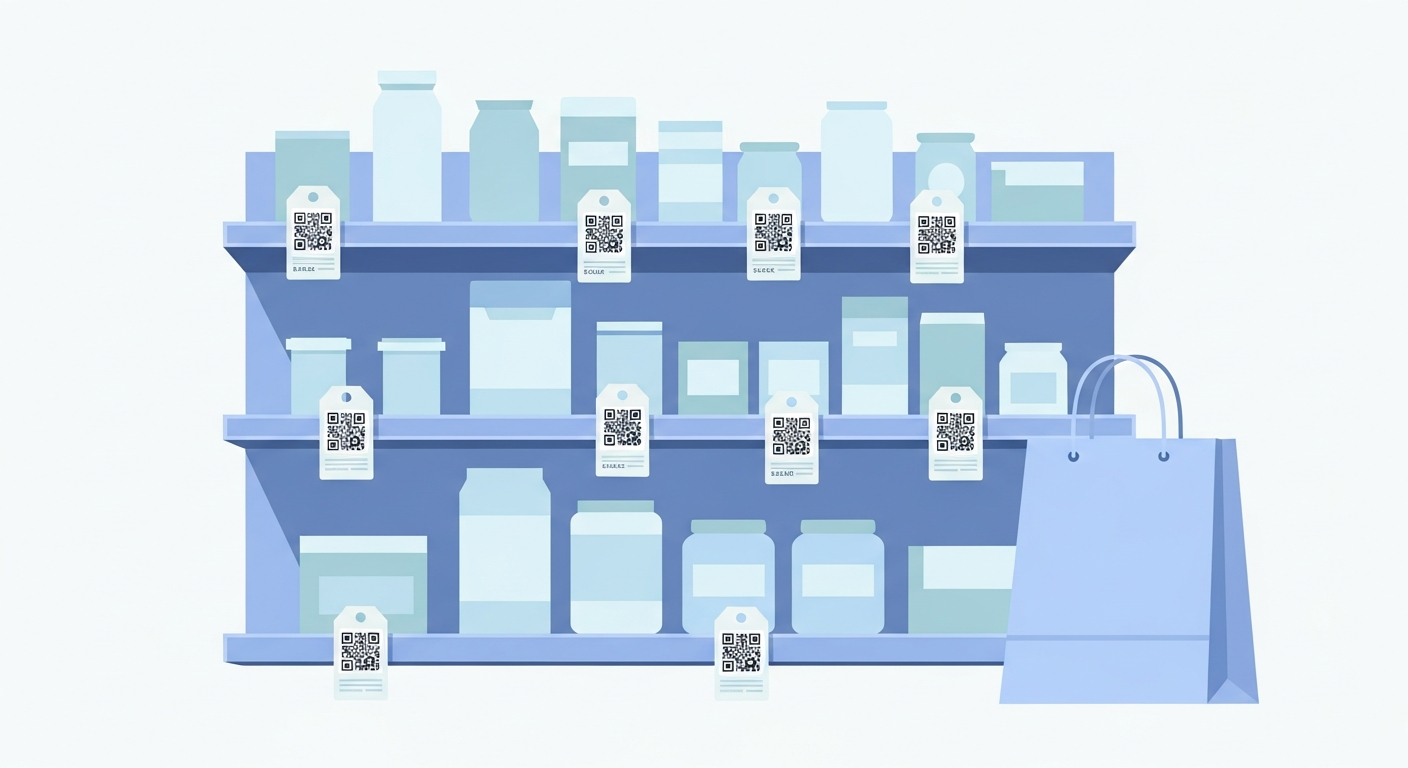
In a shop the moment of interest is short and often happens away from any staff. A QR code on the shelf edge, hang tag or packaging lets a shopper instantly see product details, sizing, reviews or how-to videos on their own phone. It also quietly extends a small shelf into a full catalogue, so a single display can sell far more than it can physically hold.
For retail, start with a stable link or fixed details people will understand at a glance. The QR code you create here does not expire and does not add tracking from us.
Why it works
Answer questions at the shelf
Shoppers see specs, materials and reviews on the spot instead of walking away unsure or hunting for staff.
Sell beyond the stock on display
Link to your online store so customers can order other sizes, colours or out-of-stock items right away.
Drive loyalty signups
A code at the till makes joining a rewards programme a quick scan instead of a form to fill in.
Tell the product story
Send shoppers to a video, care guide or origin story that a tiny tag could never explain.
How to create yours
- 1
Decide the destination
Choose a product page, size guide, video or loyalty signup for each placement.
- 2
Make the code
Paste the link into the free generator and download a sharp code in seconds.
- 3
Size for the surface
Keep shelf-edge codes around 2 cm and tiny hang-tag codes clear with quiet space around them.
- 4
Apply and verify
Add codes to tags, shelves or packaging and scan a few under store lighting to confirm they work.
Ideas & examples
Shelf-edge label
A code beside the price links to reviews and full specs for that product.
Hang tag
Clothing tags link to sizing charts, fit photos and other available colours.
Loyalty sign at the till
A countertop card lets shoppers join your rewards programme before they pay.
Common questions
Which products deserve a retail code first?
Your three best sellers and your three most-returned items. The first group deserves praise links; the second needs setup help.
Do in-store codes send shoppers away from the till?
They answer questions that otherwise end the sale: sizing charts, compatibility checks and stock in other colours.
Ready to create yours?
Create a free QR code for your store now.
Create your QR code