
URL QR Code: Turn Any Link Into a Single Scan
Stop asking people to type long web addresses. A URL QR code sends them straight to the page you choose.
Create Your QR Code
Download your QR
Click 'Generate QR Code' to create your custom QR
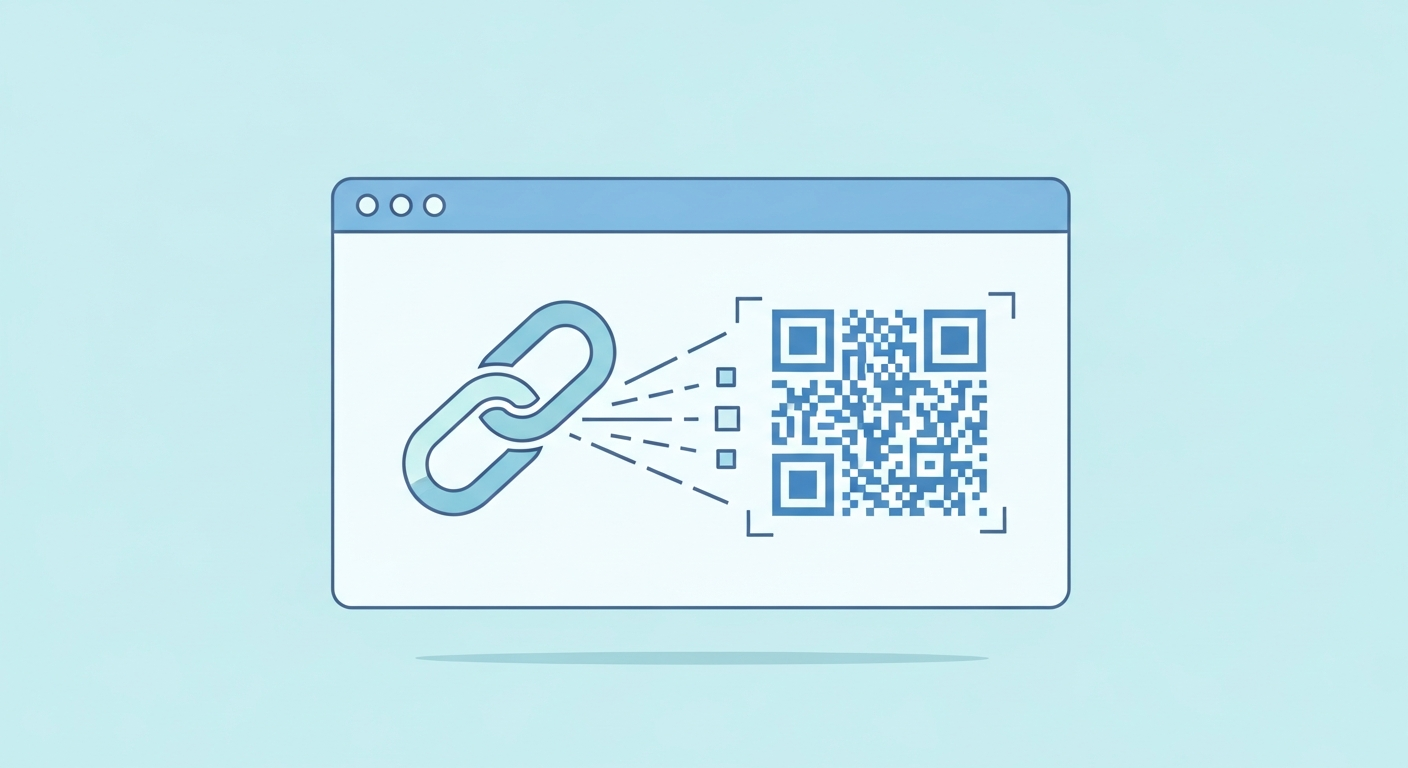
A URL QR code is the simplest and most flexible type: it encodes a web address so a quick scan opens that page in the visitor's browser. Because almost everything online lives behind a link, this one code can point to your shop, a form, a video or a booking page. It is the foundation most other QR uses are built on, and it works the moment you generate it.
For URL QR code, start with a stable link or fixed details people will understand at a glance. The QR code you create here does not expire and does not add tracking from us.
Why it works
Works with any web page
If it has a link, a URL QR code can open it, from a product page to a Google Maps pin.
No typing, no errors
People scan instead of copying a long address, so nobody lands on a mistyped or broken page.
Bridges print and online
Put it on signs, packaging or slides to move someone from the physical world to your site instantly.
Track and update when dynamic
Point it at a link you control so you can measure scans and change the destination without reprinting.
How to create yours
- 1
Copy your link
Grab the full web address you want people to open, including the https:// at the front.
- 2
Paste it in the generator
Drop the URL into the field and the QR code appears instantly, free and with no signup.
- 3
Download your code
Save it as a sharp PNG or SVG so it stays crisp at any print size.
- 4
Test before you share
Scan it with your own phone to confirm it opens the right page, then publish it.
Ideas & examples
Product packaging
Link a box or label to the setup guide or warranty registration page.
Presentation slide
Send your audience to a demo or signup link they can open mid-talk.
Shop window
Point passers-by to your online store so they can browse after hours.
Common questions
Does a URL QR code contain the whole website?
No, only the address. The code stays compact while the page behind it can be as large as you like.
What happens if we change our domain later?
Printed codes keep pointing at the old address. Keep the old domain redirecting, or reprint whatever matters most.
Ready to create yours?
Create a free URL QR code now.
Create your QR code