
QR Codes for Weddings Your Guests Will Actually Scan
Skip the paper reply cards and let guests confirm, share photos and find your registry from a tasteful little code.
Create Your QR Code
Download your QR
Click 'Generate QR Code' to create your custom QR
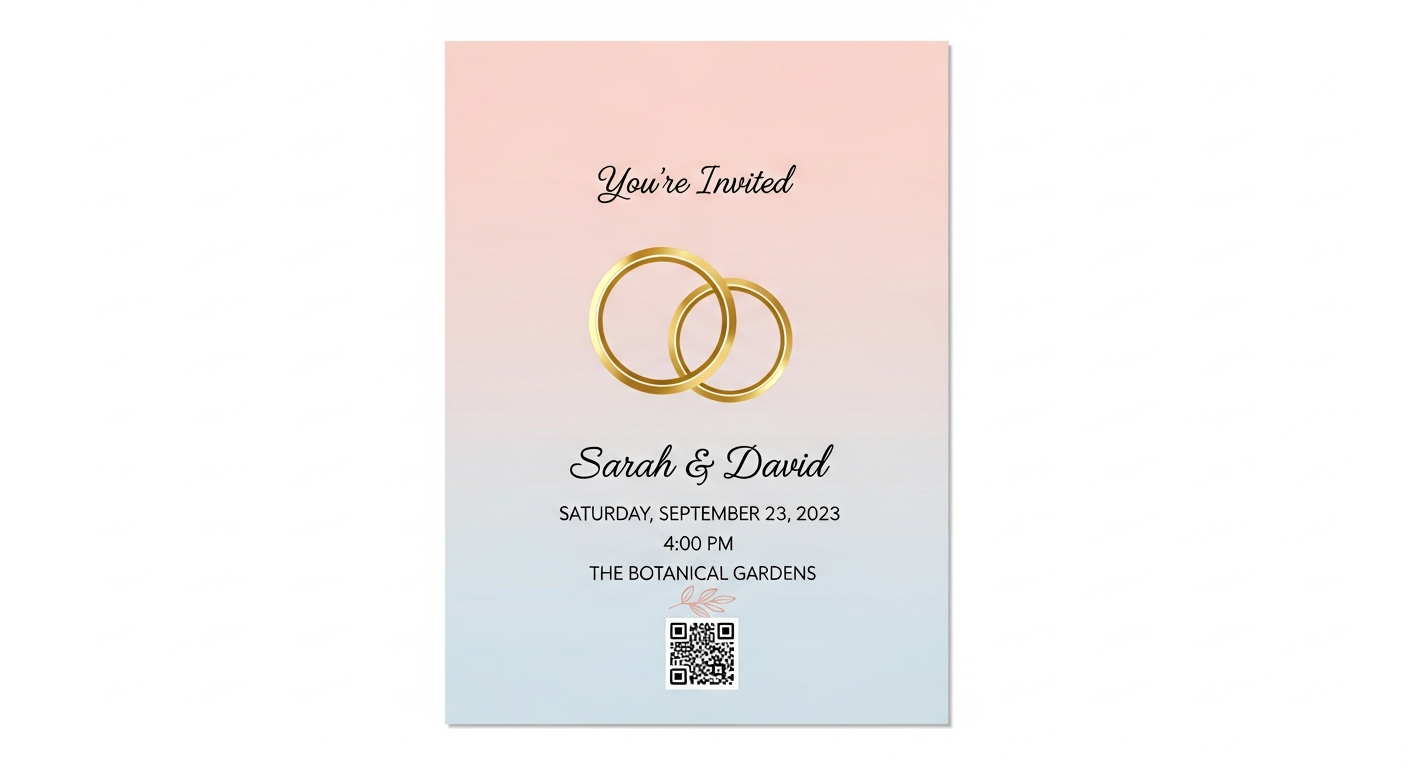
A wedding involves a lot of small logistics, from collecting RSVPs to sharing photos and pointing guests to a registry. A QR code handles all of it gracefully: pop it on the invitation, a welcome sign or a table card and guests reach exactly the right page. Because invitations are intimate and the code can clash with delicate designs, keeping it small, high-contrast and clearly labelled matters.
For weddings, start with a stable link or fixed details people will understand at a glance. The QR code you create here does not expire and does not add tracking from us.
Why it works
RSVPs without chasing cards
Guests reply through an online form in seconds, so you avoid chasing paper cards through the post.
One shared photo album
A code on the table sends every guest to a single album where they upload their snaps from the day.
Registry without awkwardness
Quietly link to your gift registry or honeymoon fund instead of printing it across the invitation.
All the details in one place
Point to a wedding page with timings, directions, dress code and accommodation so nobody has to ask.
How to create yours
- 1
Choose the destination
Pick your RSVP form, wedding website, shared album or registry page.
- 2
Generate your code
Create the QR code free and download a crisp version to drop into your stationery.
- 3
Style it tastefully
Keep it small with a short label like "Scan to RSVP" so it sits neatly within your design.
- 4
Print and test
Run a test print and scan it on a couple of phones before ordering the full set.
Ideas & examples
Invitation RSVP
A small code on the invite opens the RSVP form so guests reply in moments.
Reception photo sign
A table sign links to a shared album where guests upload their photos.
Registry card
A discreet code points to your gift registry or honeymoon fund.
Common questions
What belongs behind a wedding invitation code?
Your RSVP form above all. Registry links, directions and accommodation notes can live on the same page below it.
Do older guests manage wedding QR codes?
Most phones open them straight from the camera. Print the website address underneath anyway as a courtesy fallback.
Ready to create yours?
Create a free QR code for your wedding now.
Create your QR code