QR Codes on Business Cards That Save You in One Tap
Typed-in cards get lost. A QR code drops your full contact details straight into someone's phone.
Create Your QR Code
Download your QR
Click 'Generate QR Code' to create your custom QR
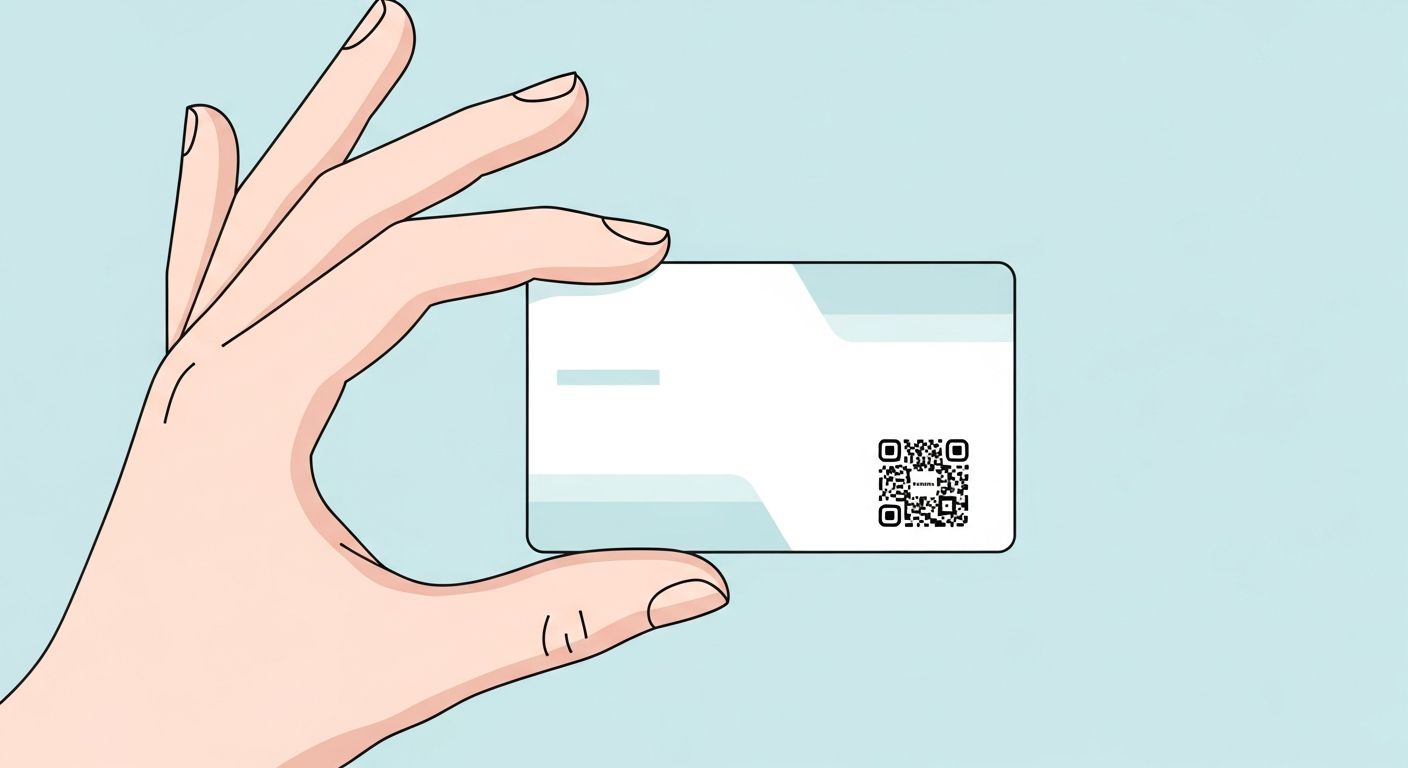
A business card is tiny and easily misplaced, so a QR code turns it into a one-tap way to save your details before the card disappears into a wallet. Because cards are held close, a small neat code works fine, and pointing it at a vCard means name, number and email land in one go with nothing to retype.
On business cards, keep the code static, high contrast and linked to a stable destination. It will keep scanning without expiry and without scan tracking from us.
Why it works
Saves contacts in one tap
A vCard QR code adds your name, phone and email to a contact without any typing.
Fits a small surface
Held at reading distance, a card needs only a small code, leaving room for your name and logo.
Links to more than a number
Send people to a portfolio, booking calendar or LinkedIn instead of a single phone line.
Always current
Point the code to a profile you control and update it without reprinting a single card.
How to create yours
- 1
Choose what to share
Decide between a vCard, a personal site, a calendar link or a social profile.
- 2
Generate the code
Create your QR code free and instantly, with no account needed.
- 3
Keep it small and clear
About 1.5-2 cm with quiet space works on a card; do not crowd it with text.
- 4
Test both sides
Put it on the back or a corner, then scan it to confirm your details appear correctly.
Ideas & examples
vCard contact
Save name, phone, email and company in a single scan at an event.
Designer or photographer
Link straight to an online portfolio so work speaks for itself.
Consultant or coach
Point to a booking calendar so a new contact can grab a slot on the spot.
Common questions
Should the code sit on the front or back of the card?
The back keeps your name and logo clean up front while quietly offering the one-tap contact save.
What data should a business card code hold?
A vCard with name, phone and email saves you straight into contacts; creatives often prefer a portfolio link instead.
Ready to create yours?
Make a free QR code for your business card now.
Create your QR code