
QR Codes for Email Marketing Beyond the Inbox
QR codes let readers carry an email offer into a shop, or let a flyer pour new subscribers into your list.
Create Your QR Code
Download your QR
Click 'Generate QR Code' to create your custom QR
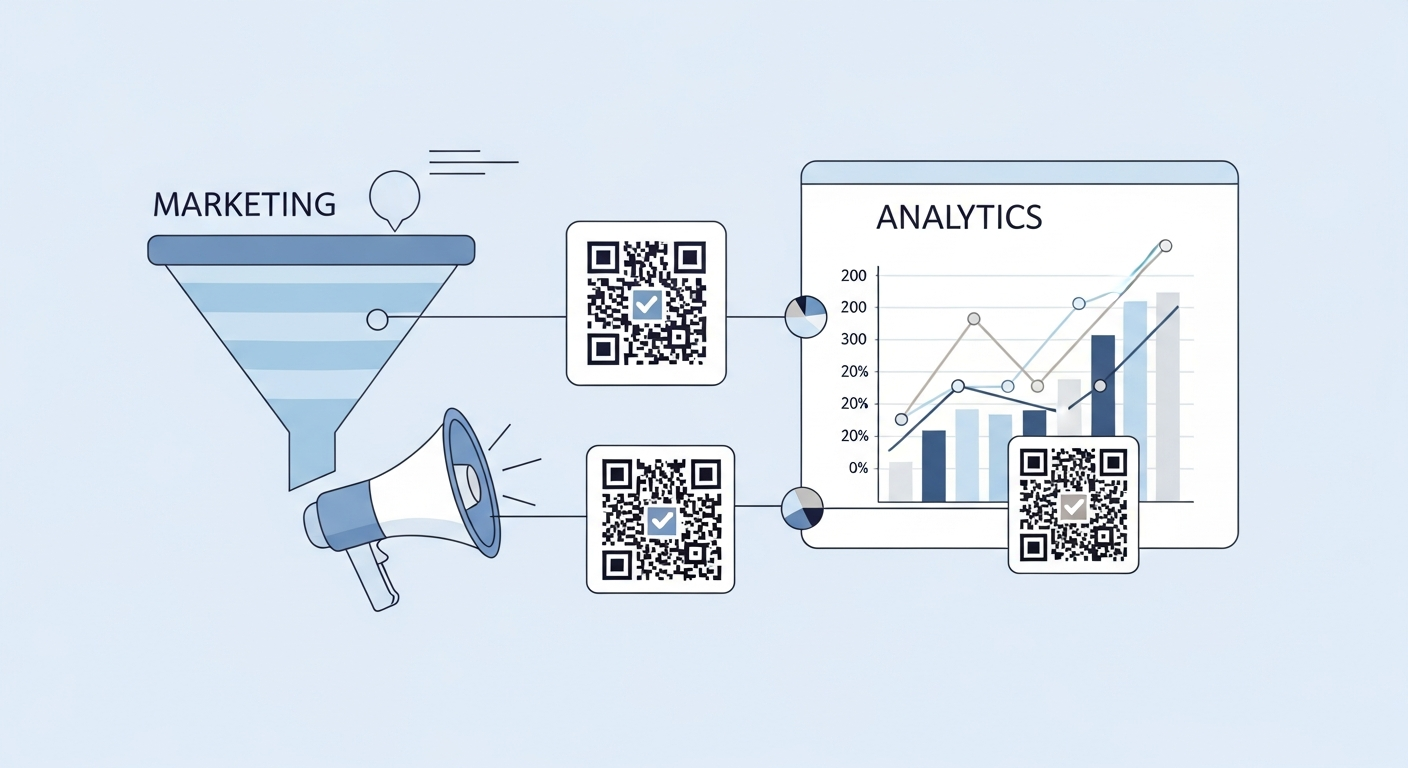
Email and offline marketing usually live in separate silos, but a QR code links them in both directions. Put a code in an email so a desktop reader can grab the offer on their phone or in store, and put a code on print so passers-by join your list in seconds. The result is a smoother journey and a clearer view of which messages drive action.
Put codes on printed pieces that echo each email campaign, and measure both through the same tagged landing page for a fair comparison.
Why it works
Move readers to mobile
A code in the email lets a desktop reader continue on their phone or take the offer in store.
Grow your list from print
A code on flyers, packaging or events adds new subscribers without anyone typing a web address.
Bridge online and offline
Tie an email coupon to an in-store scan so you can see the full path from inbox to purchase.
Measure real engagement
Destination-page visits reveal which campaigns truly drove action beyond opens and clicks alone.
How to create yours
- 1
Decide the crossover
Choose whether the code moves email readers offline or brings print readers into your list.
- 2
Create the code and link
Generate a QR code with a campaign link pointing to the signup form, app or in-store offer.
- 3
Place it with context
Add a short prompt so readers know exactly what they get when they scan.
- 4
Test and measure
Send a test, scan from a phone, then review destination-page visits by placement over time.
Ideas & examples
Email-to-store coupon
A code in the newsletter saves a discount the reader redeems at the till.
Print-to-subscribe
A flyer code opens a signup form so new fans join the list on the spot.
App install nudge
A code in the email sends desktop readers straight to the app store on their phone.
Common questions
Why would emails need codes if links already exist?
For the moment readers print, screenshot or forward to a phone. The code carries the offer across devices intact.
Which email content benefits most from codes?
Event invitations and store vouchers, where the reader moves from inbox to a physical location anyway.
Ready to create yours?
Create a free QR code for your email campaign now.
Create your QR code