
vCard QR Code That Saves Contacts in One Tap
Drop your name, number, email and more straight into someone's phone without anyone typing a thing.
Create Your QR Code
Download your QR
Click 'Generate QR Code' to create your custom QR
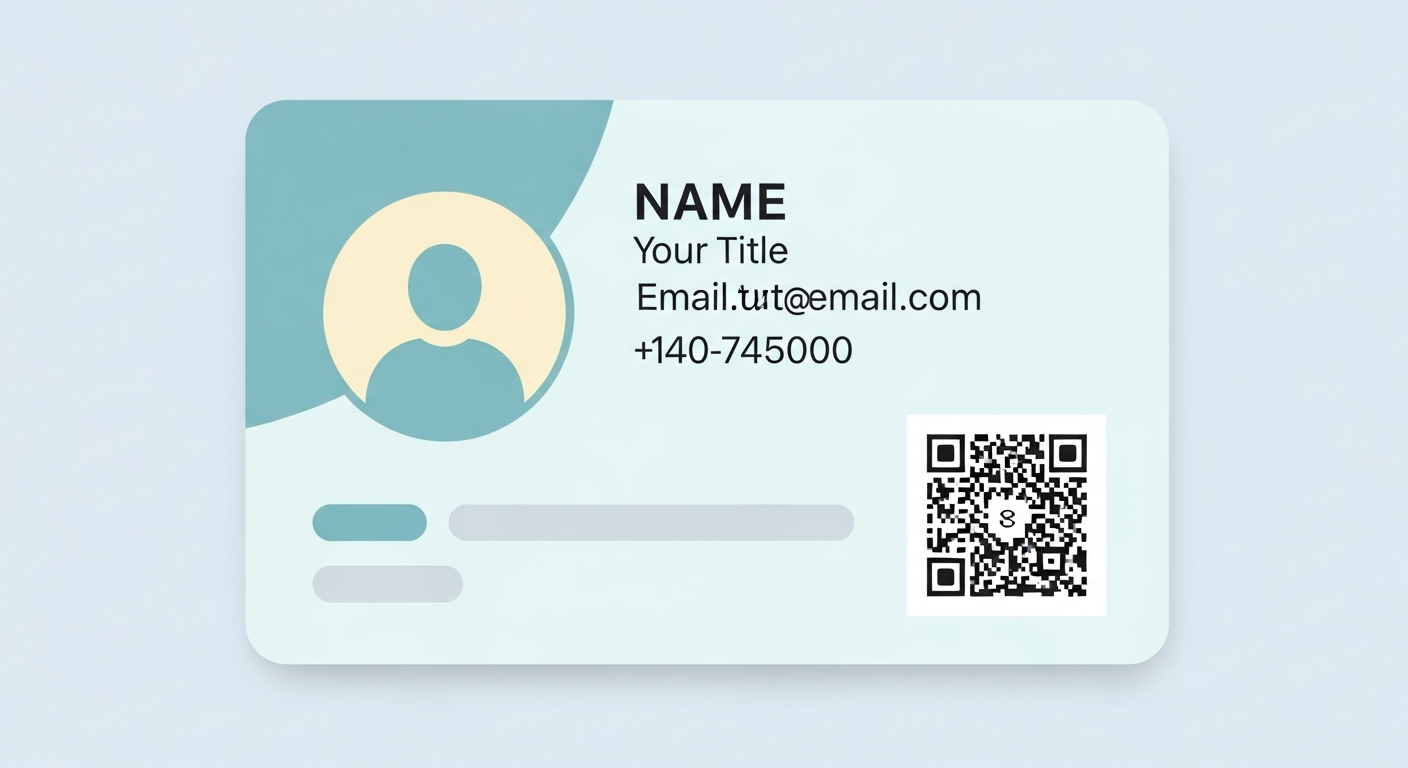
A vCard QR code holds your contact details in a digital business-card format, so a scan offers to save you to the phone instantly. Unlike a plain phone code, it carries your full details at once, including name, company, email and website. It is the fastest way to be remembered after a meeting, because there is nothing to retype and nothing to lose.
For vCard QR code, start with a stable link or fixed details people will understand at a glance. The QR code you create here does not expire and does not add tracking from us.
Why it works
All your details at once
Name, phone, email, company and website save together in a single scan.
No typing or mistakes
Contacts are added cleanly to the phone, so numbers never get mistyped.
Never get lost in a wallet
Your details live in the phone instead of on a card that slips away after the event.
Easy to share anywhere
Put it on a card, badge, screen or email so people save you in seconds.
How to create yours
- 1
Enter your details
Add your name, phone, email and any extra fields you want to share.
- 2
Generate the code
Create your vCard QR code free and instantly, with no account needed.
- 3
Place it where you meet people
Add it to a business card, lanyard or signature so it is ready to scan.
- 4
Test the save
Scan it yourself to confirm the contact appears with the right information.
Ideas & examples
Networking event
A scan saves your full contact card before the conversation even ends.
Sales rep badge
Prospects save your details on the spot instead of taking a paper card.
Email signature
Recipients scan to add you to their phone straight from a message.
Common questions
How much detail fits in a vCard code?
Name, phone, email, role and website sit comfortably. Photo fields bloat the pattern and hurt scannability.
Can I update contact details after printing?
Regenerate and reprint. vCard data is baked into the pattern, which is why proofreading before printing pays.
Ready to create yours?
Create a free vCard QR code now.
Create your QR code