QR Codes on Displays That Invite the Next Step
A display stops people for a moment. A QR code turns that pause into a deeper look without crowding the design.
Create Your QR Code
Download your QR
Click 'Generate QR Code' to create your custom QR
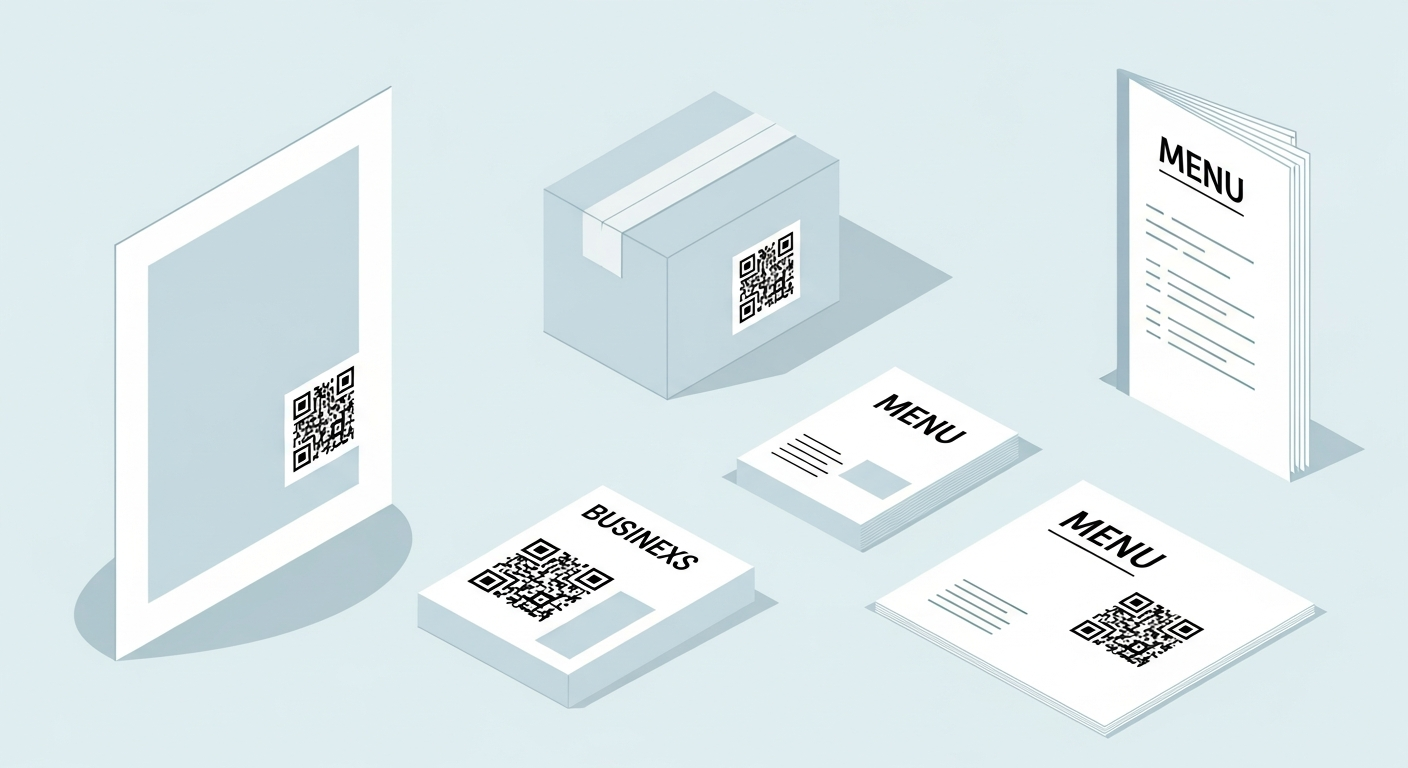
A display, stand or exhibit is built to attract attention from a few steps away, so a QR code on it should be positioned at a height people can comfortably reach and scan. It is ideal for product demos, full catalogues or lead capture when the physical space can only show so much. Give the code a clear panel of its own with strong contrast, and use a short prompt so visitors know exactly why to scan.
On displays, keep the code static, high contrast and linked to a stable destination. It will keep scanning without expiry and without scan tracking from us.
Why it works
Extends a limited space
A display can only show so much, but a code opens full catalogues, demos and detail on demand.
Reachable by design
Placed at a comfortable height, the code is easy to scan without bending down or stretching up.
Captures interested leads
Link to a signup or demo request so a curious visitor becomes a contact you can follow up.
Refreshes without rebuilding
Point the code at content you control so the display can change message without a reprint.
How to create yours
- 1
Define the next step
Choose what a scan should do, like show a demo, catalogue or capture a lead.
- 2
Generate the code
Paste your link into the free generator and create the QR code instantly.
- 3
Give it its own panel
Place it on a clean area at reachable height with strong contrast and a short prompt.
- 4
Stage and test
Set up the display, stand back, and scan from where visitors will stand to confirm.
Ideas & examples
Product demo
Link to a short video showing the product in action.
Full catalogue
Send visitors to the complete range the display cannot fit.
Lead capture
Point to a quick form for samples, quotes or follow-up.
Common questions
Does exhibition lighting interfere with scans?
Spotlights glare off laminated panels. Matte finish plus a slight forward tilt clears almost every reflection.
What pairs well beside a display code?
A looping demo and a one-word prompt such as "Compare" or "Order" tell visitors exactly what scanning starts.
Ready to create yours?
Create a free QR code for your display now.
Create your QR code